
How to Automate Televiewer Data Interpretation in Minutes
Upload raw acoustic or optical televiewer files to receive picked, classified, and quality-checked structural logs in under five minutes per borehole.
Logging acoustic televiewer (ATV) and optical televiewer (OTV) files by hand requires tracing hundreds of individual sinusoids per borehole, creating backlogs as drilling advances. Structura eliminates that bottleneck by automating the initial structural pass, allowing geologists to review and refine a complete draft log rather than picking every feature from scratch. Here is how the platform works, what deliverables it generates, and how its performance holds up against manual logging.
Why does manual televiewer interpretation hold projects up?
Manual picking is labour-intensive, susceptible to interpreter-to-interpreter variability, and vulnerable to undetected orientation errors. In a 39-hole pilot study at Rio Tinto Kennecott Copper, replacing manual first-pass picking with Structura cut processing time from roughly 40 hours to 5 minutes per borehole (Kennecott case study, SSIM 2025). We cover the operational challenges of manual logging in detail in our introductory post.
How does Structura’s automated televiewer interpretation work?
1. Upload your televiewer files
Upload raw ATV or OTV logs through Structura’s secure web portal in WellCAD (.wcl), ALT/Mount Sopris (.tfd), or Robertson (.hed, .lgx) formats. Structura automatically parses the log data and header parameters. Simply verify the borehole diameter, depth units, and magnetic declination, then start processing. You can run a single borehole or queue an entire batch of historical files simultaneously.
2. Automatically pick, classify, and measure structures
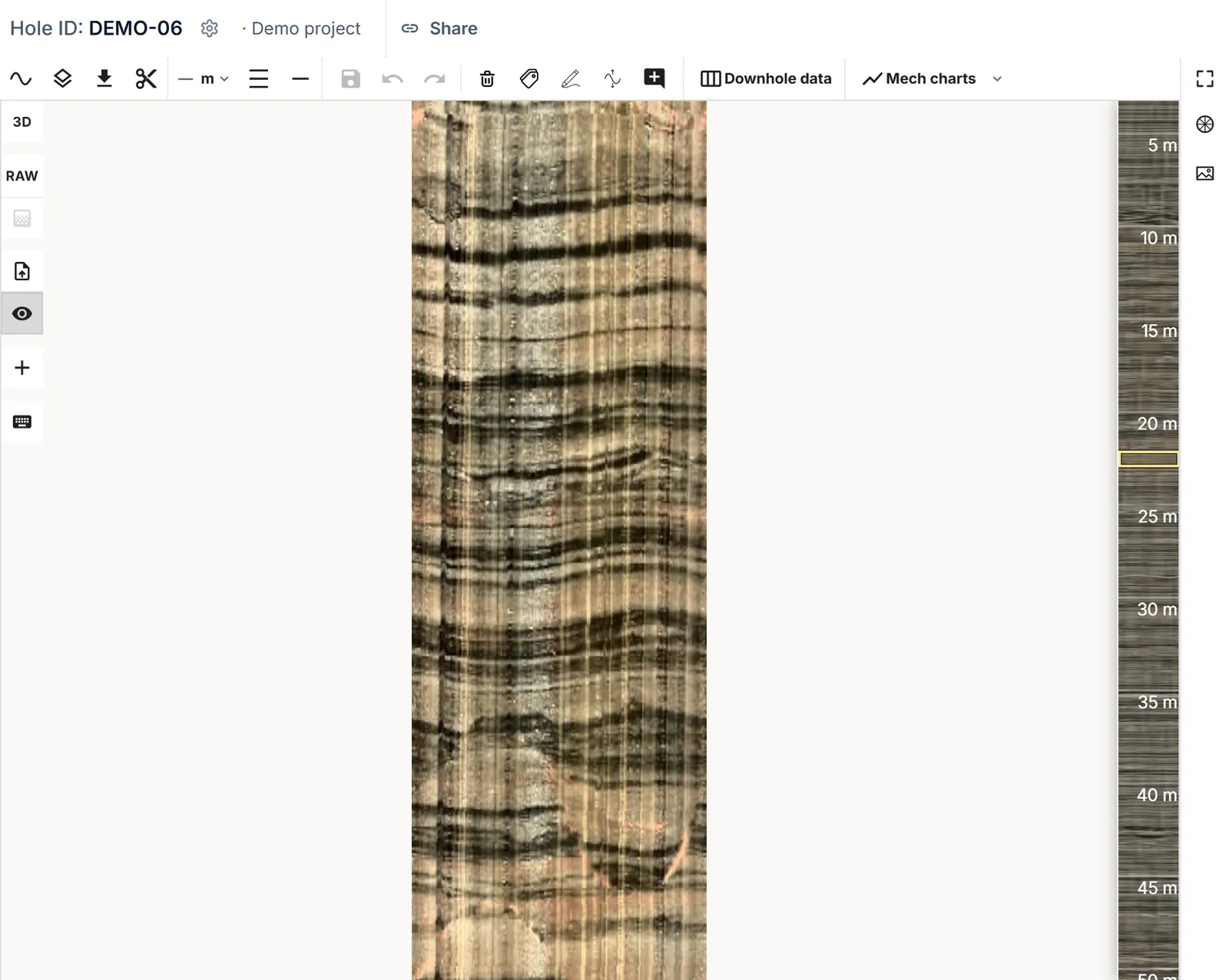
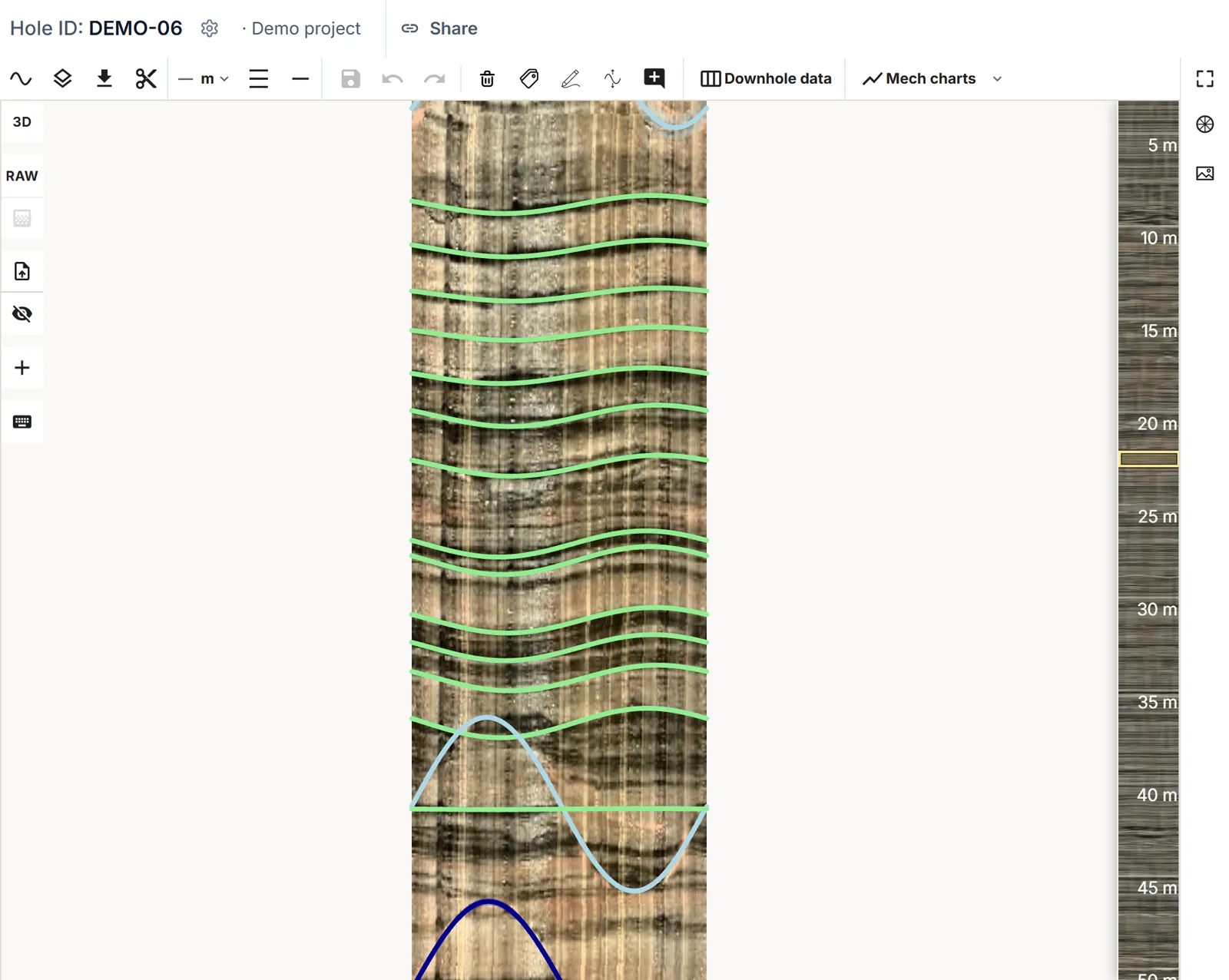
Structura’s detection models scan the borehole image, fit sinusoidal traces to detected discontinuities, and calculate true dip and dip direction. The model classifies each pick—distinguishing between open and closed joints, open and closed bedding, veins, faults, and unclassified structures—while measuring aperture and joint roughness. Simultaneously, an automated image-quality log evaluates clarity down the hole and flags intervals that warrant closer geologist inspection.
3. Generate geomechanical logs from acoustic data
When processing ATV logs, Structura analyzes acoustic amplitude to estimate borehole wall rock strength across ISRM grades R0 to R6. In validation testing, these automated strength profiles matched manual core logging within half an ISRM grade on average—while providing continuous data across intervals of poor or zero core recovery (strength estimation paper, SSIM 2025). Structura also computes continuous curves for Rock Quality Designation (RQD), joint condition, and Rock Mass Rating (RMR).
What does the automated output include?
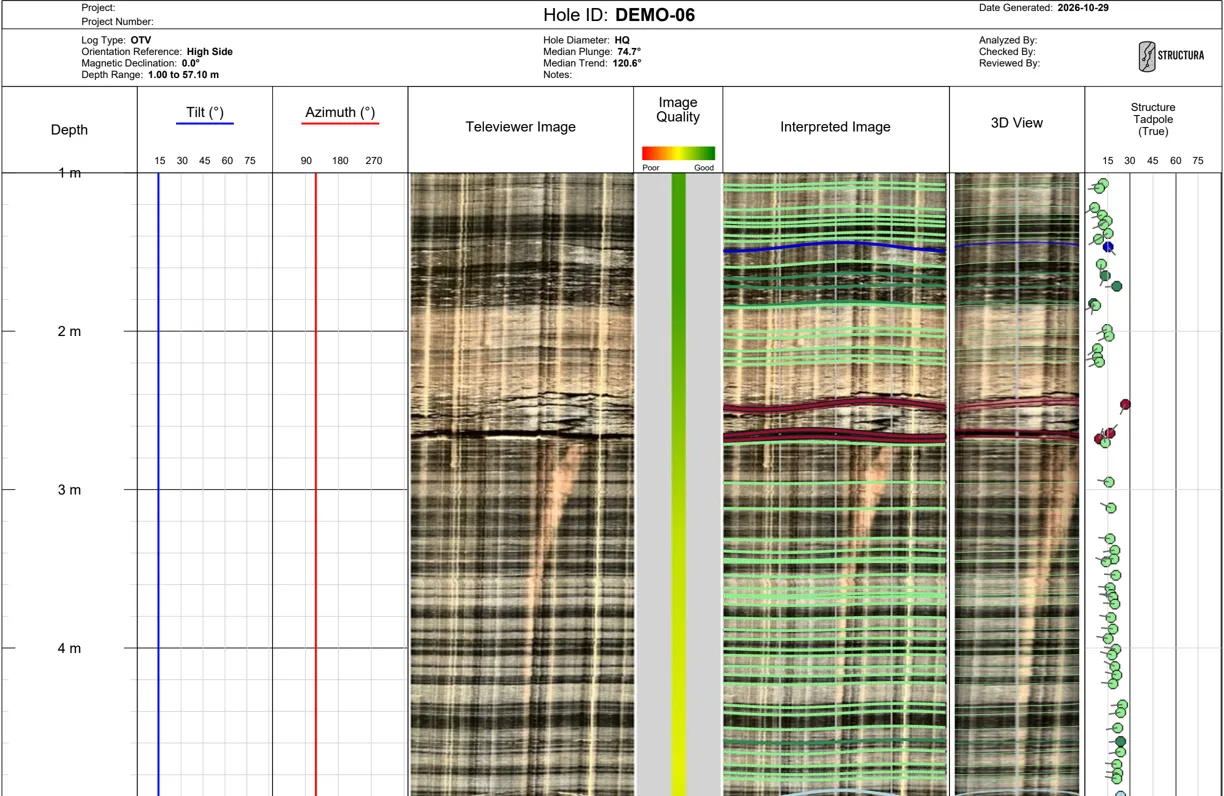
- Per-structure metrics: Depth, true dip, dip direction, feature classification, aperture, and roughness.
- Downhole interval logs: Continuous image quality, fracture frequency (open fractures and total picks per metre), plus ATV-derived rock strength, RQD, joint condition, and RMR.
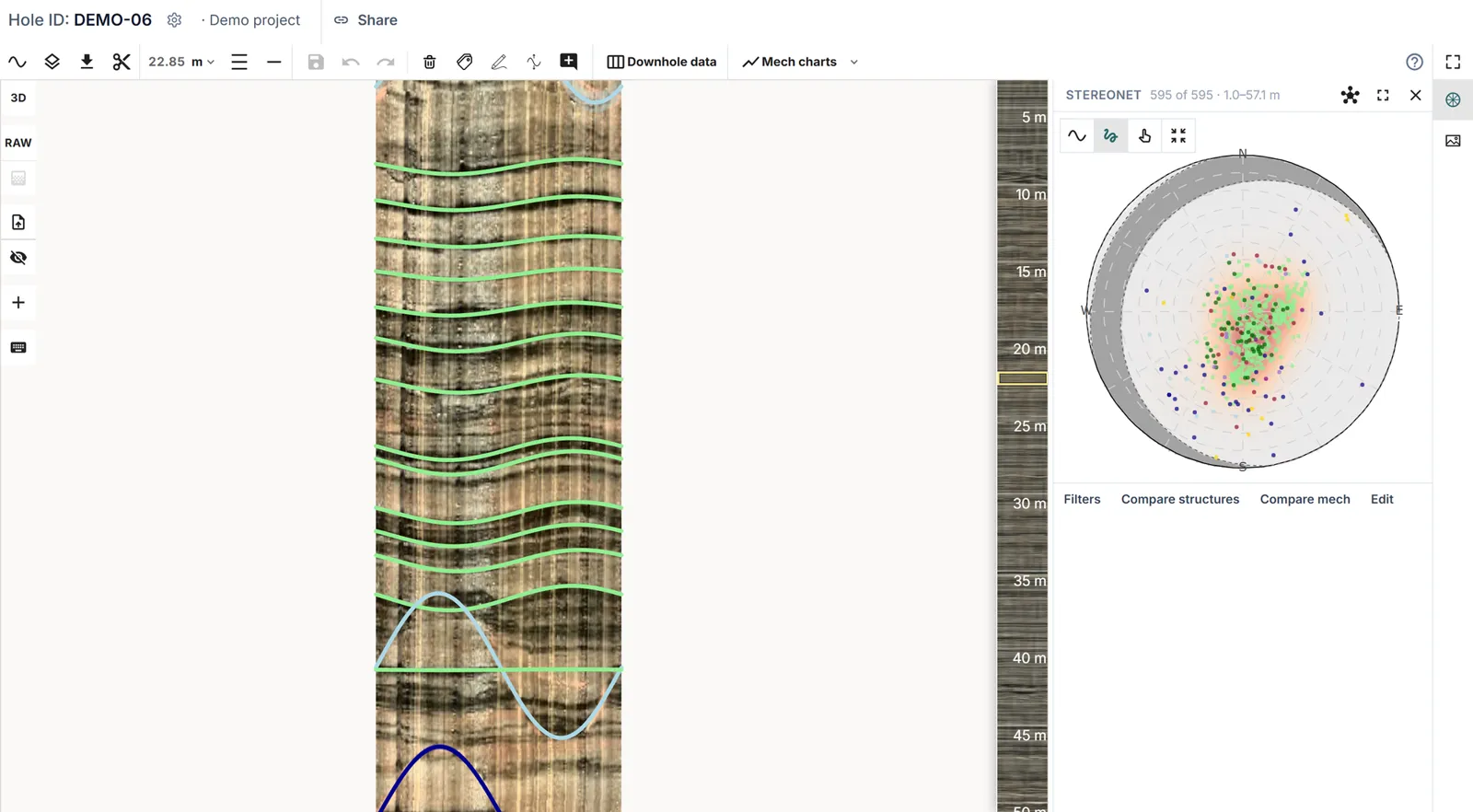
- Standard deliverables: Clean CSV structure and interval tables, publication-ready PDF borehole logs, and interactive stereonets.
How do geologists review and finalize automated picks?
Structura’s built-in QA/QC workspace lets you audit automated picks with the same rigour you apply to manual logs. Geologists can quickly add missed traces, adjust fitted sinusoids or apertures, reclassify structure types, and share the borehole with project peers for collaborative sign-off. Your team retains full ownership of the geological interpretation; Structura simply handles the repetitive tracing. You can review the full five-step workflow on our How Structura Works page.
Because every borehole is evaluated using consistent algorithmic criteria, teams can also batch-process legacy datasets and integrate historical holes seamlessly with current drilling campaigns.
How accurate is automated televiewer interpretation?
During the 39-hole validation trial with Rio Tinto Kennecott Copper, engineers benchmarked Structura’s output against manual televiewer logs, blind test controls, and physical drill core. Alongside cutting processing time from 40 hours to 5 minutes per hole and reducing turnaround by 67%, the study confirmed strong agreement on structural orientations and demonstrated reduced interpreter bias. Read the complete methodology in the Kennecott case study (SSIM 2025).
To test this workflow on your own borehole logs, contact the Structura team.
Frequently Asked Questions
How long does automated televiewer processing take?
Structura typically completes structural picking, classification, and geomechanical calculations in under five minutes per borehole. Batch uploads are processed the same way, several holes at a time.
Which televiewer file formats does Structura support?
Structura supports acoustic (ATV) and optical (OTV) logs saved in WellCAD (.wcl), ALT and Mount Sopris (.tfd), and Robertson (.hed, .lgx) formats.
How has Structura's accuracy been validated?
Structura was validated across 39 boreholes at Rio Tinto Kennecott Copper against manual interpretations, blind test data, and physical core. The results—showing strong orientation agreement and a 67% reduction in turnaround—were published at SSIM 2025.